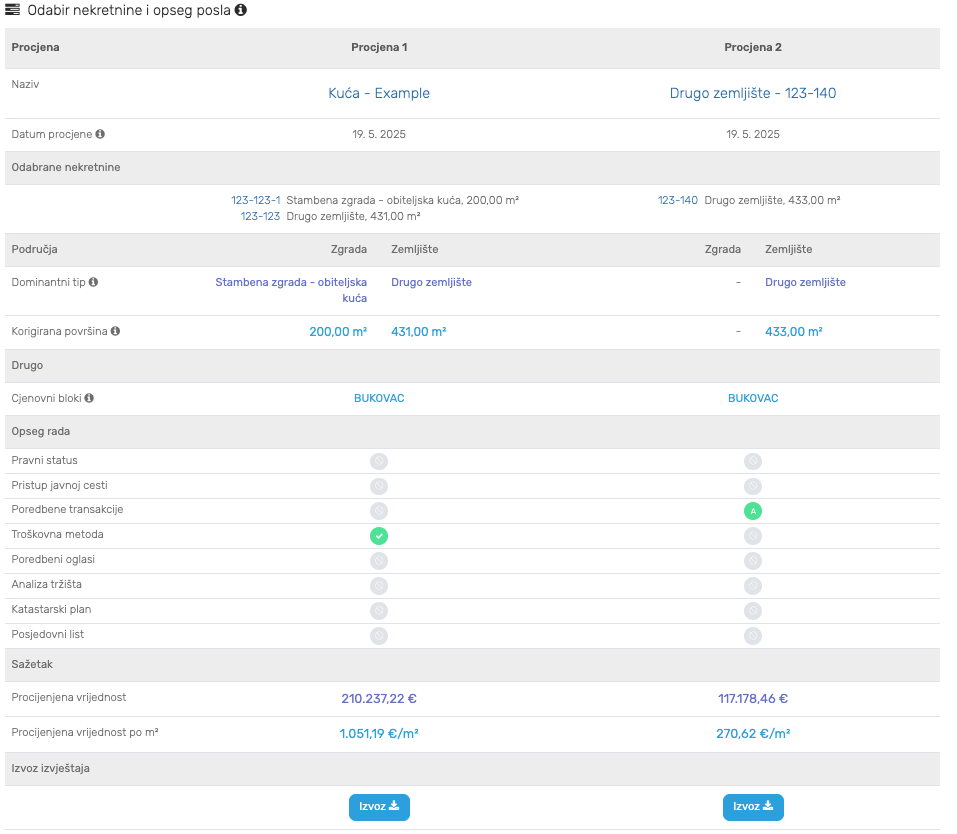
If your valuation is complex and requires multiple comparable parcels, you can create a second analysis inside of your project and retrieve it’s value by clicking on the refresh icon (?)
You can add another comparable parcel in the “Project view”, but instead of selecting the “Troškovna metoda” task, choose “Poredbene transakcije”.
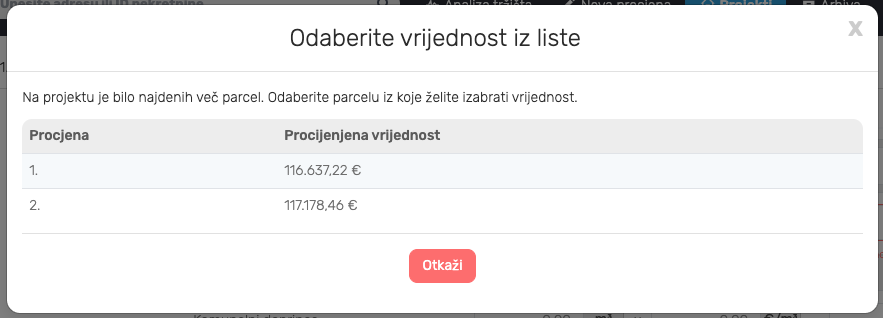
When you return to the original analysis and click on the refresh icon, you will be prompted to select the parcel value which you want to use.
The first value will always be from the same analysis (from the Poredbena zemljišča tab), while all subsequent values will be retrieved from other analyses on the project.