Instructions for iOS devices:
For the best performance of the website, we recommend the Safari browser, which is set as default on iOS devices.
Apple device users default to using the Safari browser when clicking on a link in an SMS or email.
Instructions for Android devices:
For the best performance of the website, we recommend the Chrome browser, which is set as default on Android devices.
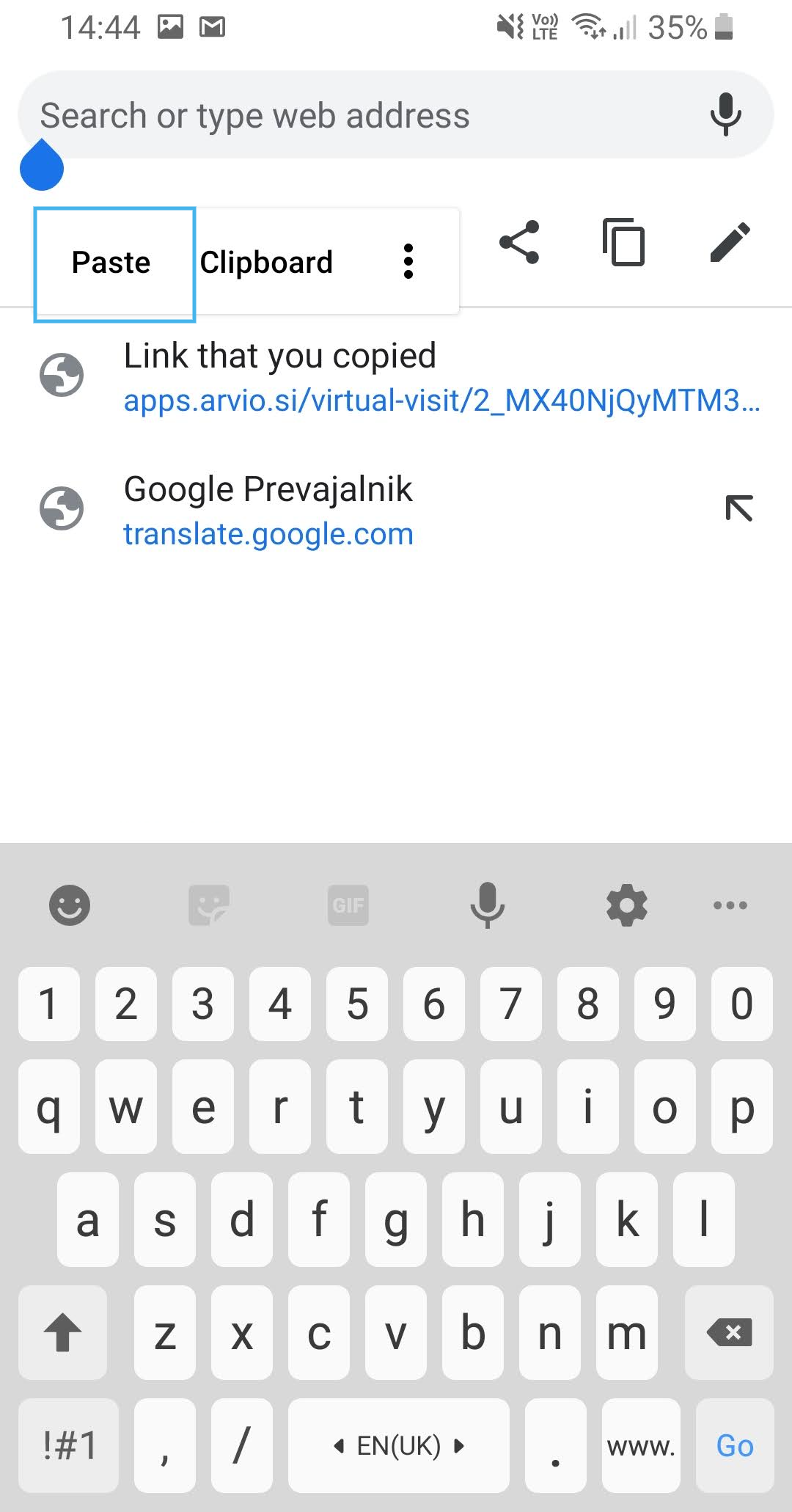
To open the link to the virtual tour with the Chrome browser, the call participant must follow these steps.
- Open the SMS or email app that contains the link to the virtual tour.
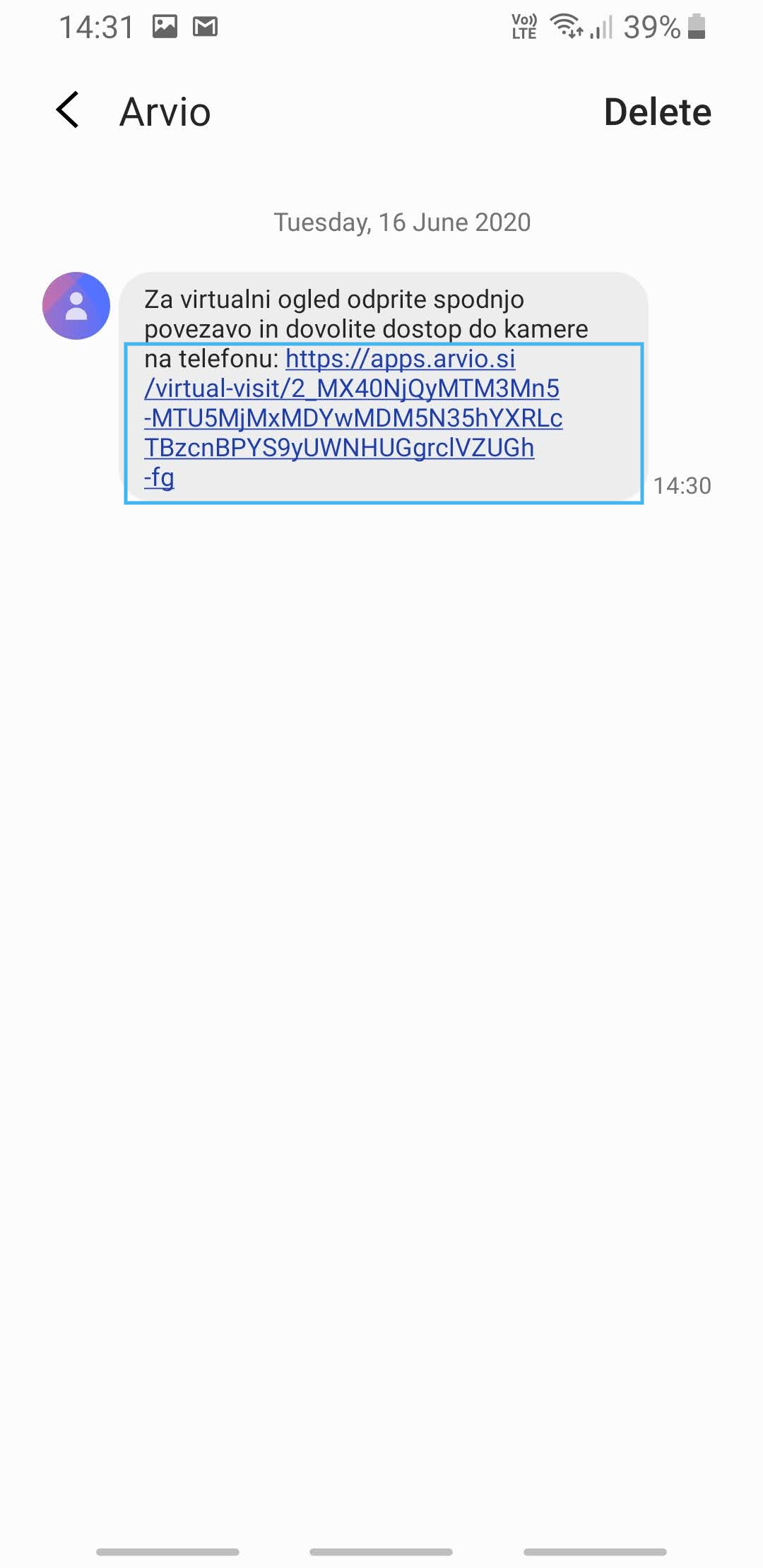
2. Press and hold the link until a dropdown menu appears.
3. Tap Copy text.
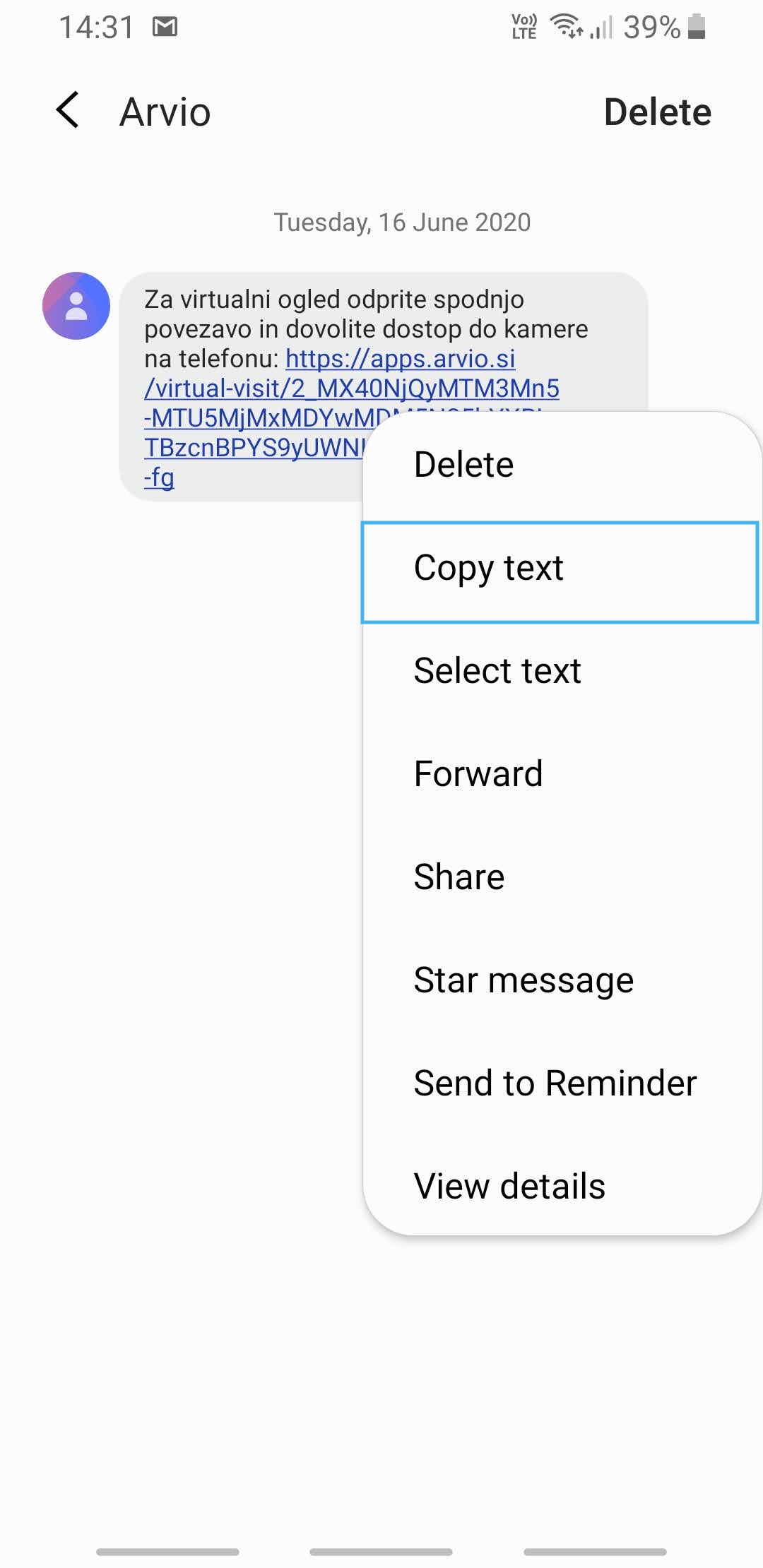
4. Close the app and open the Chrome app.
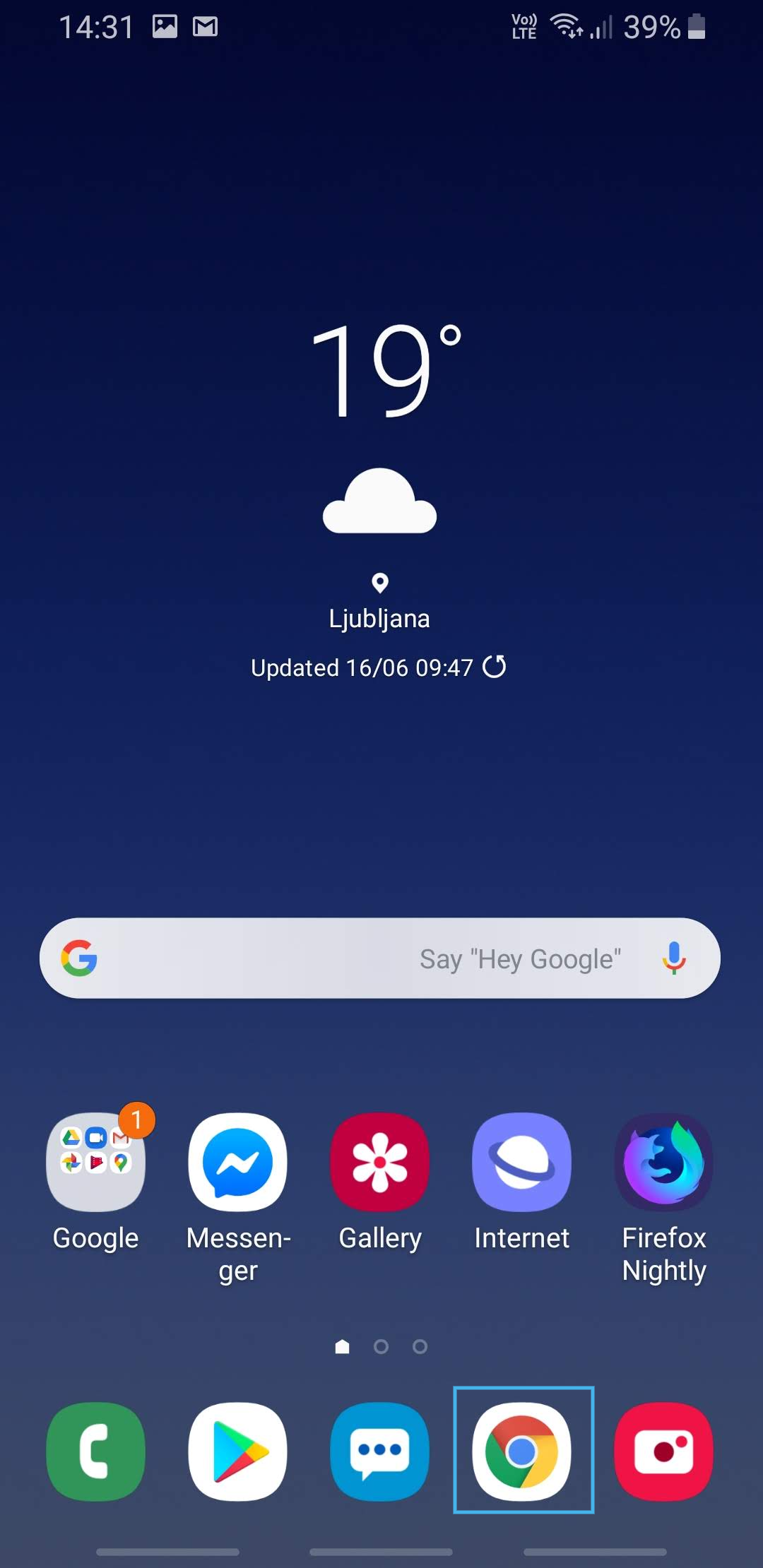
5. Click in the search field at the top of the screen.
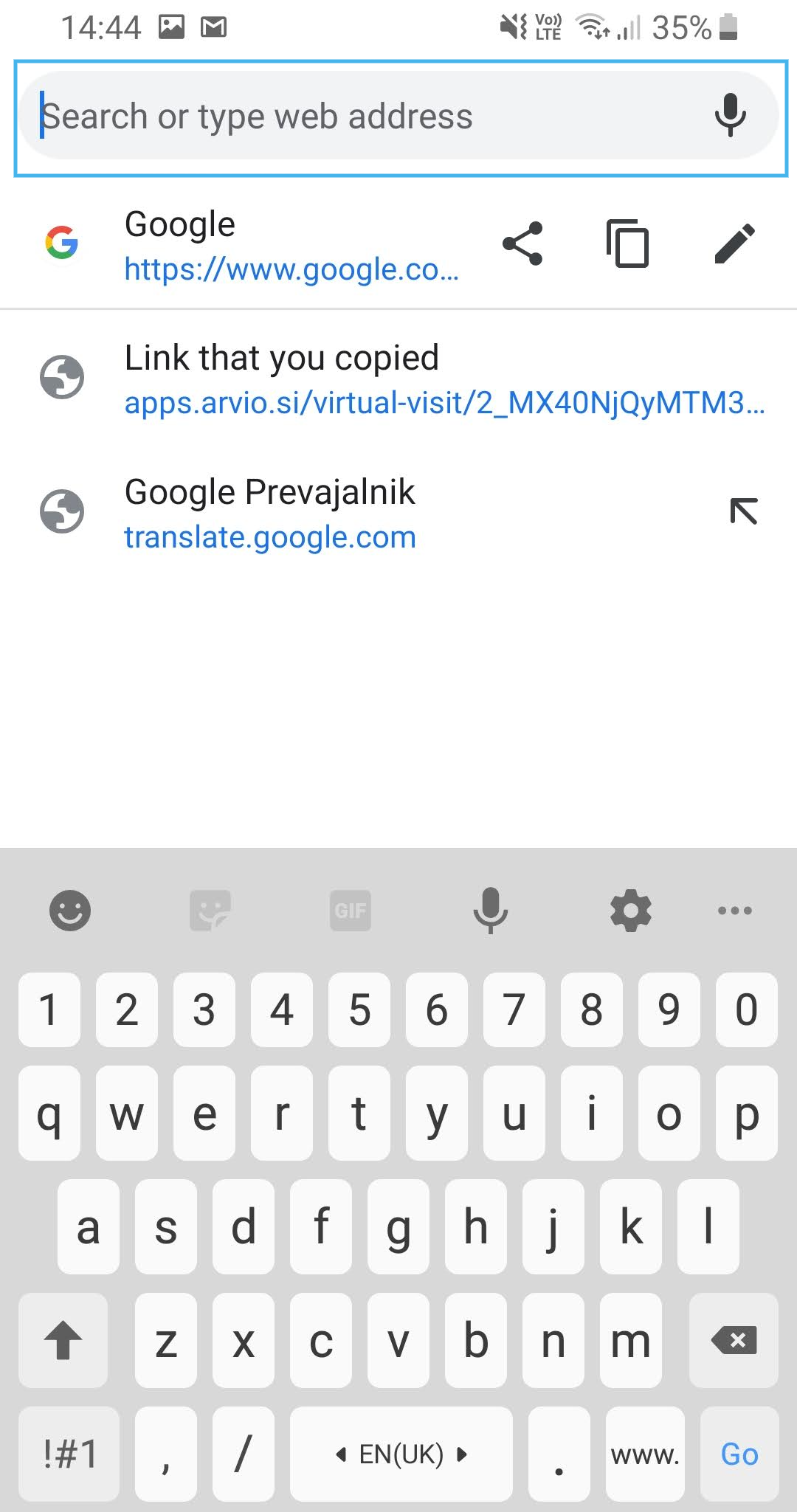
6. Hold your finger on the field and wait for options to appear.
7. Then tap Paste and go to this page.