Instructions for iOS devices:
On Apple devices, the browser already has access to the microphone enabled.
Instructions for Android devices:
- On your phone, open the Settings app.
- Select “Apps”.
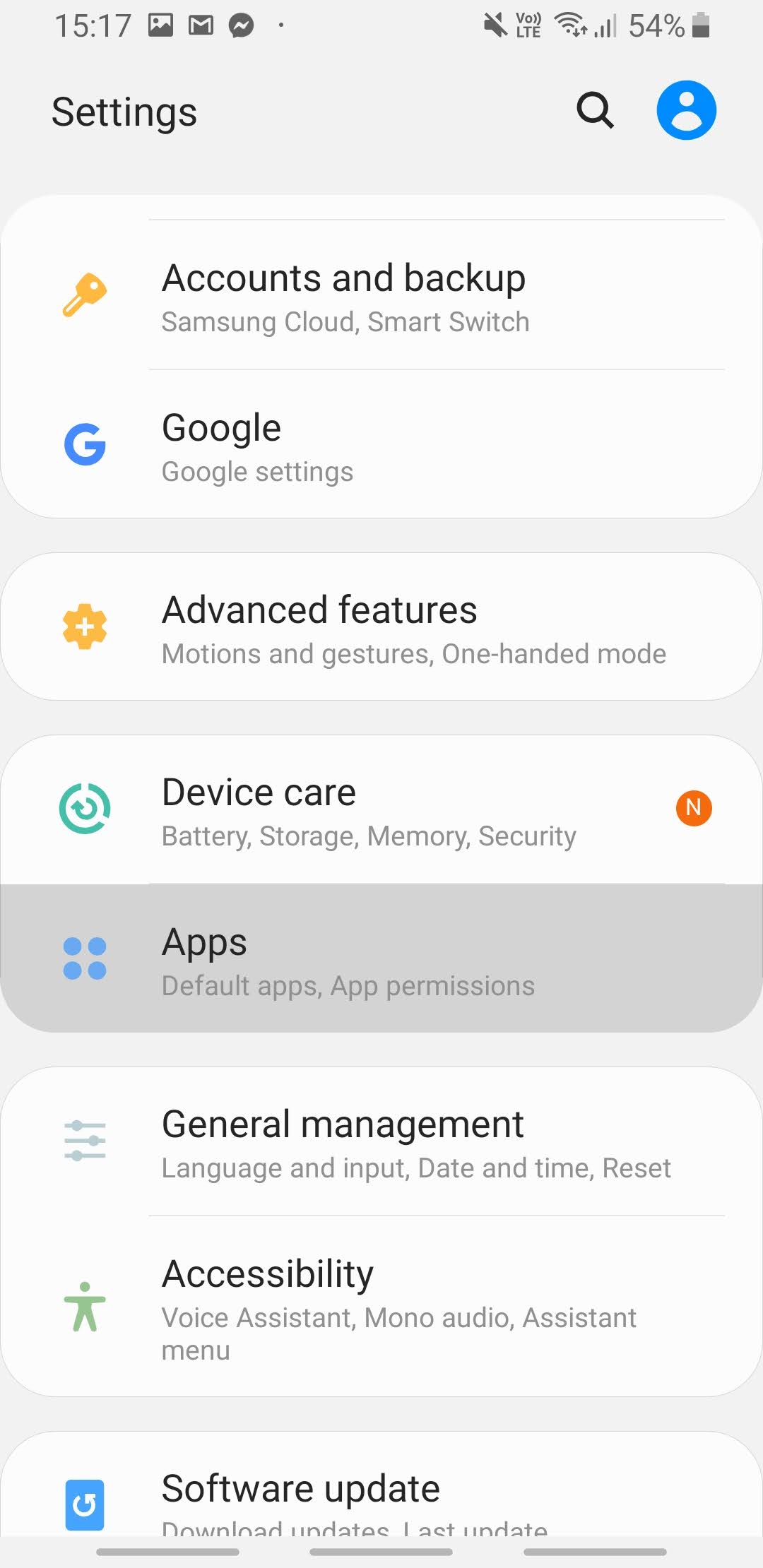
3. Select the Chrome app or another browser that you are using.
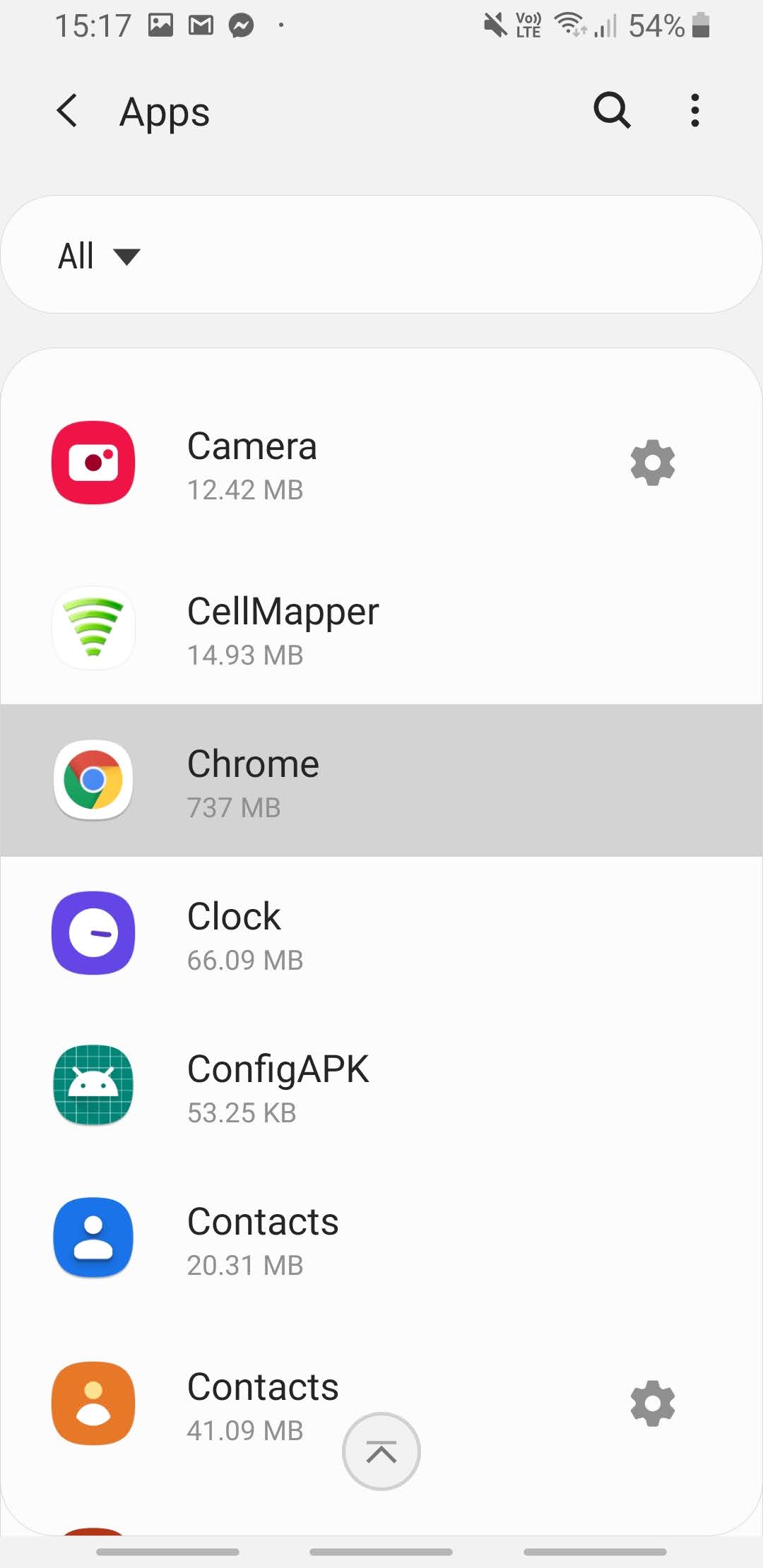
4. Select “Permissions”.
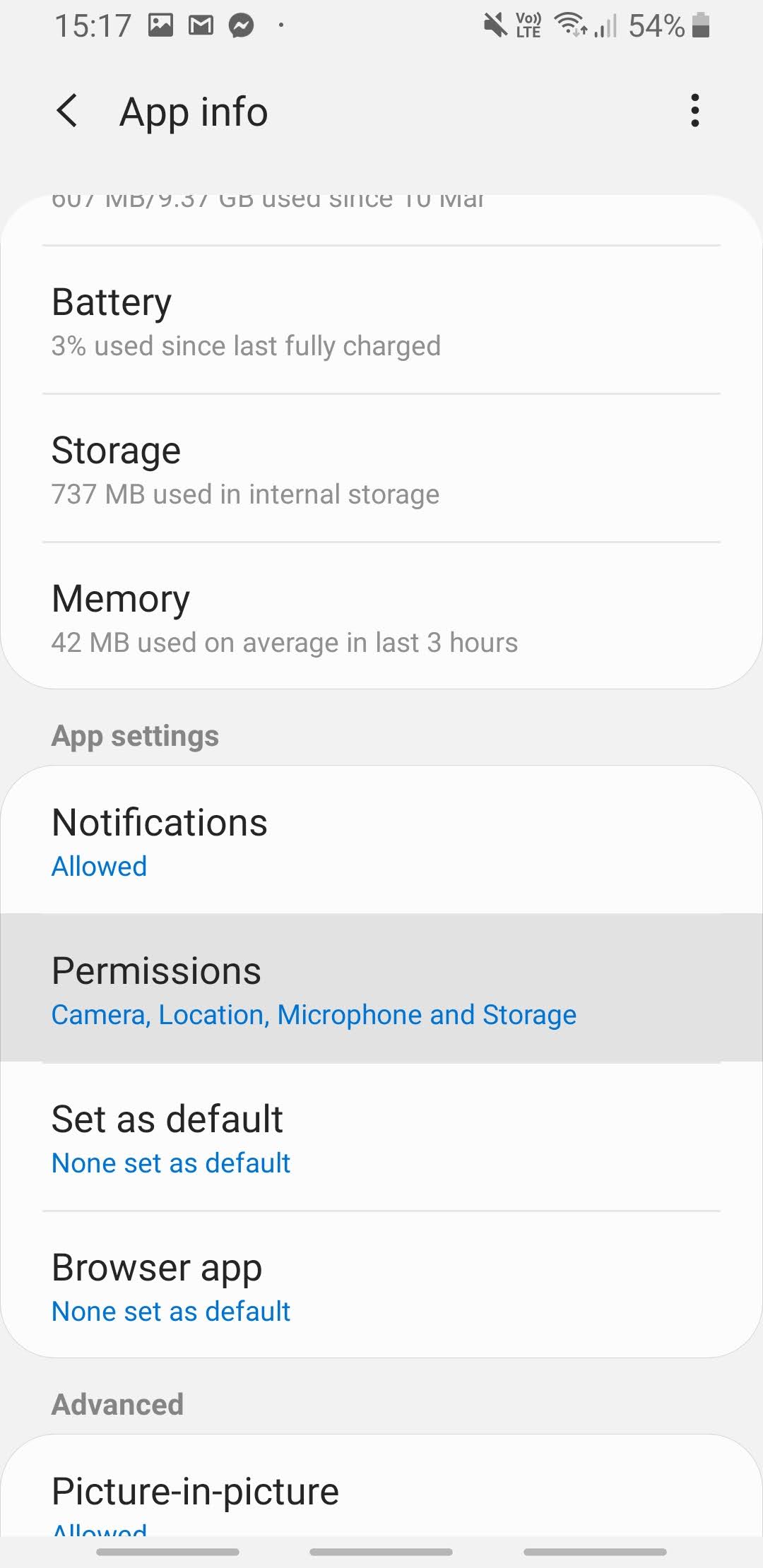
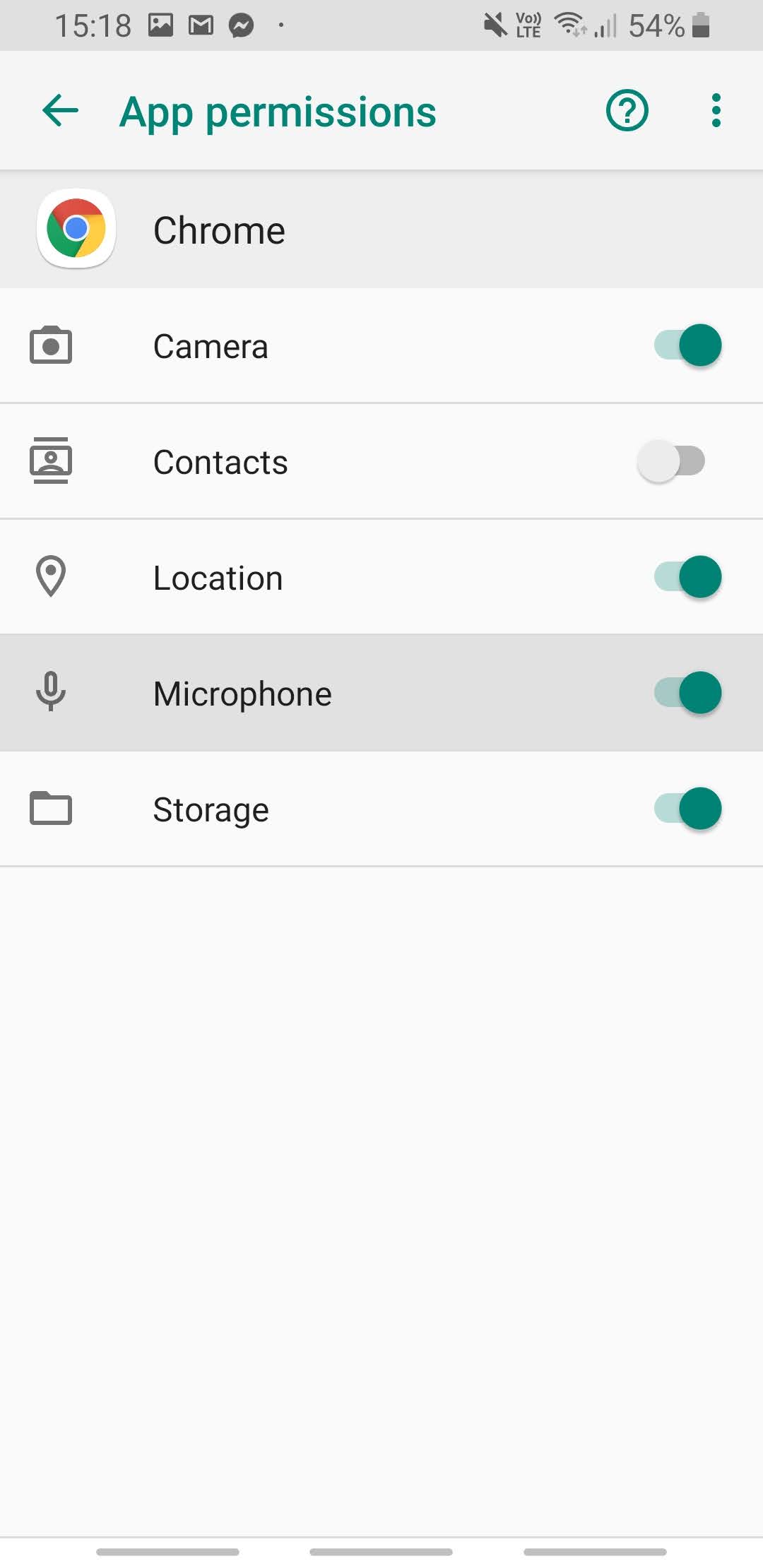
5. Turn on microphone permission.