Instructions for iOS devices:
On Apple devices, the browser already has camera access enabled.
Instructions for Android devices:
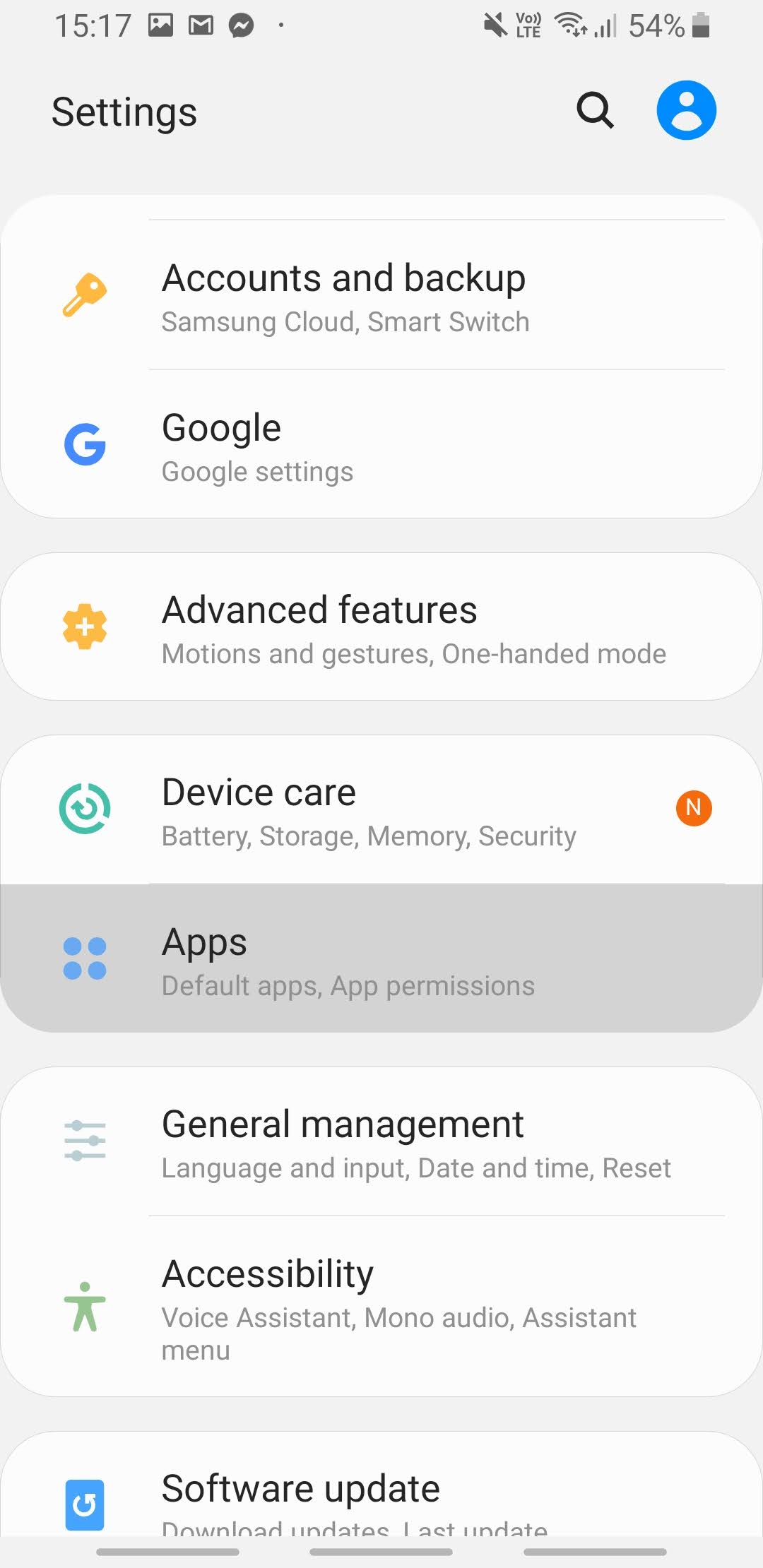
- On your phone, open the Settings app.
- Select “Apps”.
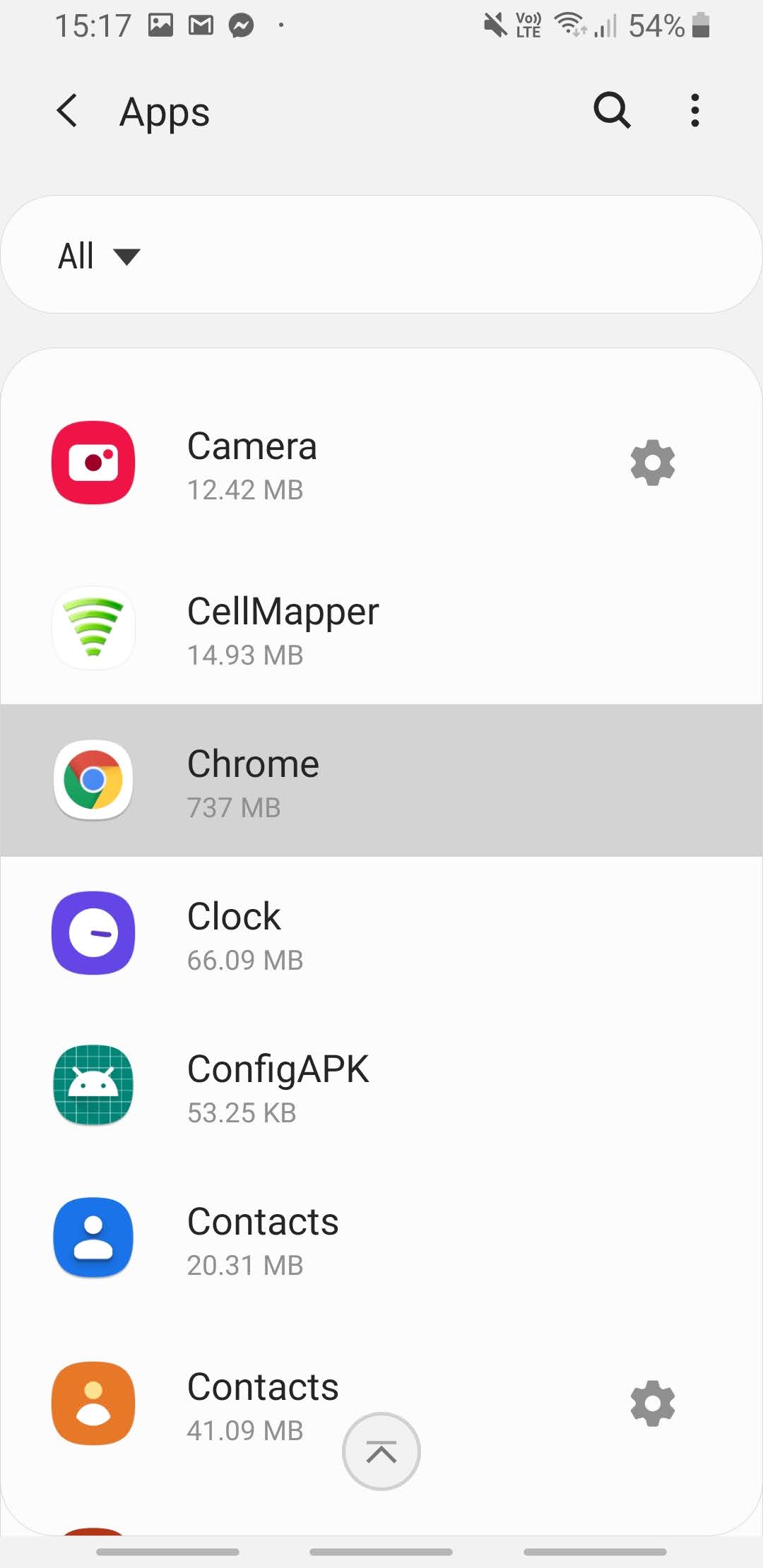
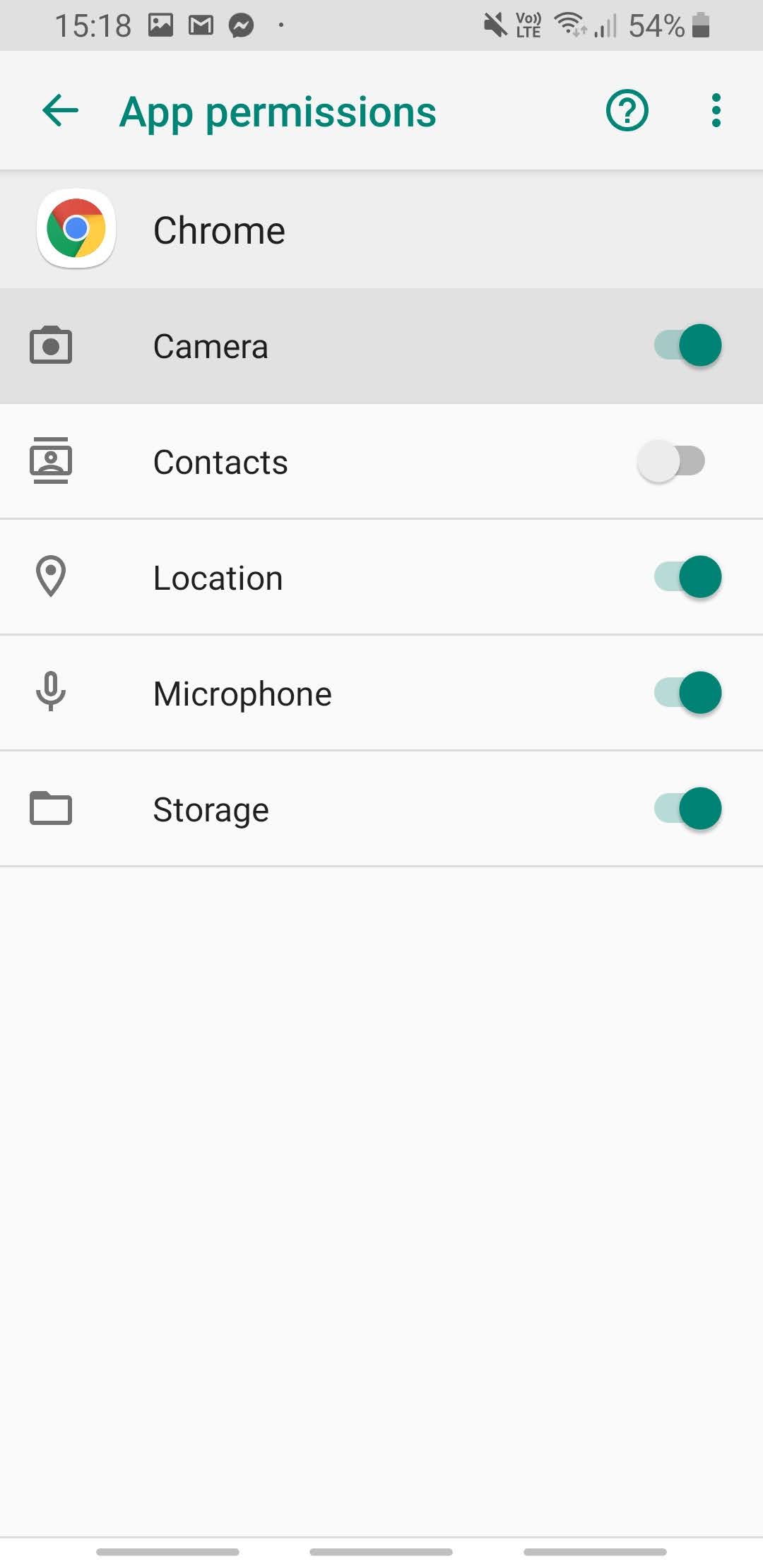
3. Select the Chrome app or another browser that you are using.
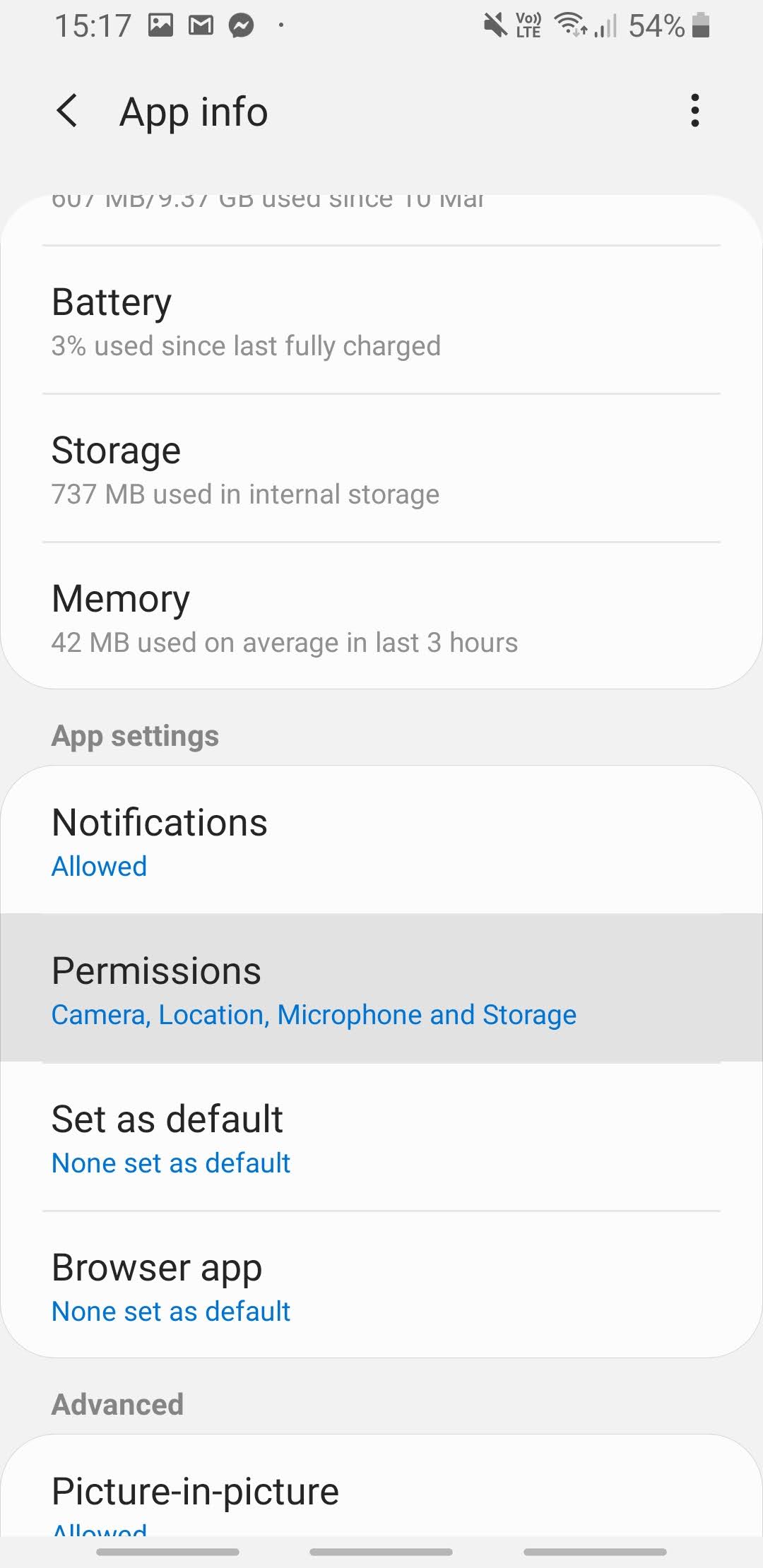
4. Select “Permissions”.
5. Enable camera permission and any other necessary permissions.
Instructions for Computers:
Instructions for Chrome:
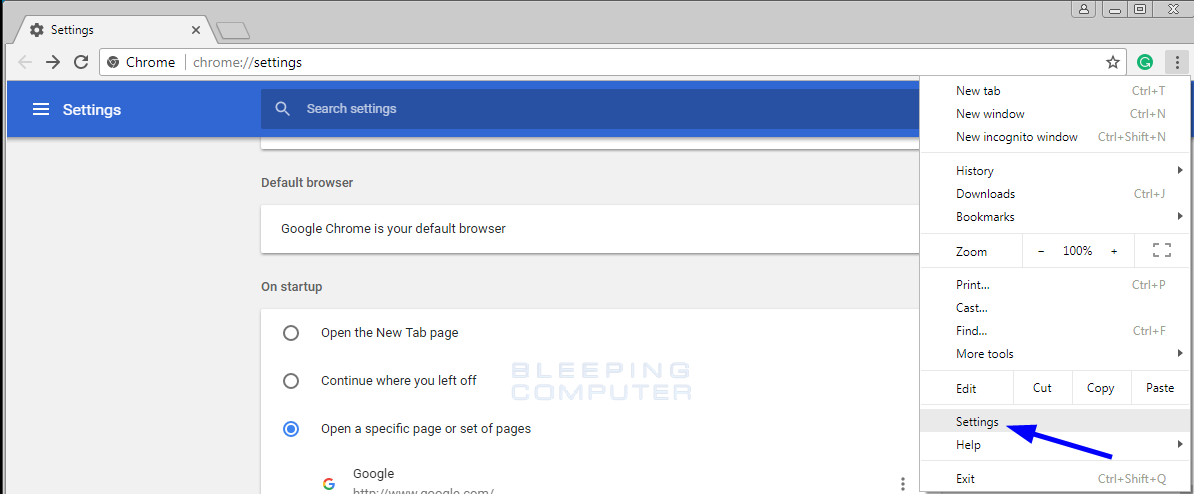
- Open Settings.
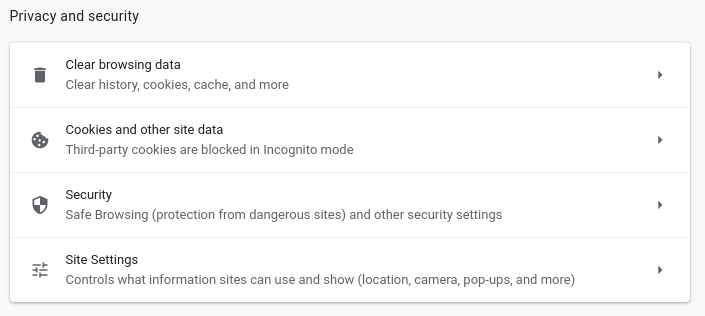
2. Find the Privacy and security section and select Site Settings.
3. Select “View permissions and data stored across sites”.
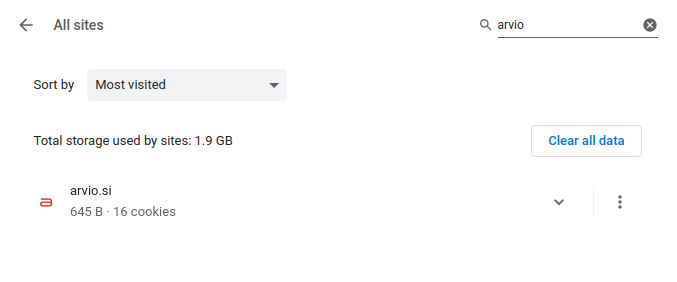
4. In the browser, search for arvio.si.
5. Tap the options icon and press “Clear permissions” or “Reset permissions”.